Enterprise search software is becoming essential for businesses in India as data continues to grow across multiple platforms. Companies today struggle to find the right information quickly, which affects productivity and decision-making.
With AI-powered search solutions, organizations can unify their data and make it easily accessible. This guide will help you understand enterprise search software, its benefits, and the best tools available in India.
What is Enterprise Search Software
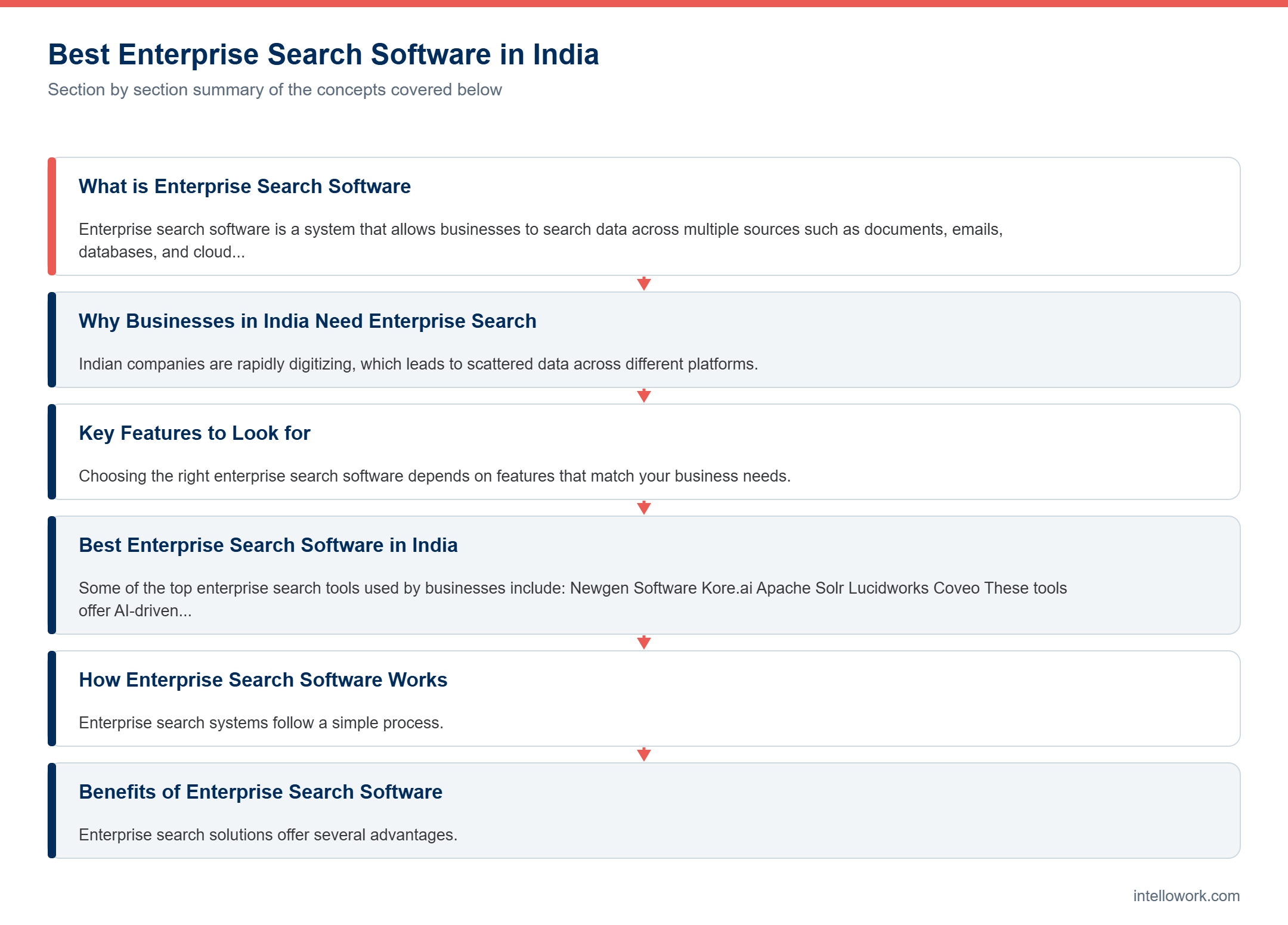
Enterprise search software is a system that allows businesses to search data across multiple sources such as documents, emails, databases, and cloud platforms from a single interface.
Key Capabilities
It provides a unified search experience across systems
It uses AI to understand user intent
It connects multiple tools and databases
It improves search accuracy using semantic understanding
Why Businesses in India Need Enterprise Search
Indian companies are rapidly digitizing, which leads to scattered data across different platforms. Employees often waste time searching for information, which reduces efficiency.
Common Problems
Data is stored in silos across departments
Employees spend too much time searching
Important information is hard to access
Benefits
Faster access to information
Improved productivity
Better collaboration between teams
Smarter business decisions
Key Features to Look for
Choosing the right enterprise search software depends on features that match your business needs.
AI-Powered Search
Modern tools use AI to understand context and deliver relevant results
Integration
Software should connect with CRMs, ERPs, and cloud platforms
Security
Role-based access ensures sensitive data is protected
Analytics
Insights help track search performance and user behavior
Best Enterprise Search Software in India
Some of the top enterprise search tools used by businesses include:
- Newgen Software
- Kore.ai
- Apache Solr
- Lucidworks
- Coveo
These tools offer AI-driven search, scalability, and integration with enterprise systems.
How Enterprise Search Software Works
Enterprise search systems follow a simple process.
Step-by-Step
First, data is collected from multiple sources
Then it is indexed for fast searching
When a user enters a query, the system processes it
Relevant data is retrieved and ranked
Results are shown based on accuracy and relevance
Benefits of Enterprise Search Software
Enterprise search solutions offer several advantages.
Operational Benefits
Employees save time searching for data
Workflows become faster and more efficient
Business Benefits
Better decision-making
Improved customer experience
Higher productivity
Challenges in Implementation
Despite its benefits, implementing enterprise search has some challenges.
Common Issues
Integration with legacy systems
Poor data quality
High initial cost
User adoption
How to Choose the Right Software
Selecting the right solution depends on your business goals.
Steps to Follow
Identify your data sources
Check integration capabilities
Ensure scalability
Focus on security features
Test the user experience
Future of Enterprise Search in India
Enterprise search is evolving rapidly with AI advancements.
Trends
Conversational search using AI
Integration with AI agents
Real-time data processing
Cloud-based solutions
Conclusion
Enterprise search software is becoming a necessity for businesses in India. It helps organizations manage data efficiently and improve decision-making.
Choosing the right tool can significantly boost productivity and streamline operations.
FAQ
What is enterprise search software
It helps businesses search data across multiple systems
Which is the best enterprise search software in India
Popular options include Newgen, Kore.ai, Solr, and Coveo
Why do companies need enterprise search
To improve productivity and access data quickly
Is enterprise search expensive
It depends on features and scale
What to look for in an Indian deployment
The shortlist question here is narrower than the global one, because two local factors decide most outcomes.
Language comes first. Employees search in English, Hindi and transliterated Hinglish, often within one query. Consequently multilingual embeddings and a fair reranking step matter more than raw model size. Test this early, since generation frequently looks acceptable while retrieval quietly fails across scripts.
Compliance comes second. The Digital Personal Data Protection Rules bring conversational and search logs inside your programme when they contain personal data. Therefore ask each vendor to name the region used for storage and the region used for model inference, because those are separate questions and only the second protects the query itself.
Beyond those two, the usual criteria apply: permission-aware retrieval, hybrid keyword and vector search, reranking, citations and an evaluation suite you can run yourself. My guide to the best AI chatbot for enterprise data sets out a scorecard you can reuse here.
How to run a fair comparison
- Use your own corpus. Vendor demo content is curated. Yours contains a 2019 policy nobody archived, and that is where differences appear.
- Bring one hundred real queries. Pull them from internal search logs and helpdesk tickets rather than inventing them.
- Include twenty unanswerable ones. How a system behaves without an answer tells you more than how it behaves with one.
- Test two permission levels. Ask the same question as a manager and as a new joiner, then compare what each receives.
- Score separately. Rate retrieval accuracy, citation quality and refusal behaviour on their own rather than as a single impression.
Finally, model twelve-month cost at realistic volume before you decide. Entry pricing looks similar across vendors, while volume pricing rarely does.
Frequently asked questions
How does this differ from an intranet search box?
An intranet search matches words. Enterprise search matches meaning across systems, applies your permission model and can return an answer with citations rather than a list of links.
Which systems can it index?
Commonly shared drives, wikis, ticketing systems, portals and databases through connectors or APIs. Scanned documents need optical character recognition first.
Will employees see restricted documents?
Not when source-level access control lists are enforced before retrieval. Ask vendors to demonstrate this with two accounts at different permission levels.
How long does deployment take?
A first deployment on one well-maintained corpus commonly reaches useful quality within two to four weeks. Broad rollouts take longer because of content cleanup.
What does it cost?
Pricing models vary from per seat to workspace plus usage. The licence is usually a minority of first-year cost once content and integration work are counted.
Related reading
- Enterprise Search Software: How Businesses Can Find Information Instantly
- Who Is Tarun Gupta? The AI Architect Building India’s Next Generation of Enterprise AI Solutions
- AI Infrastructure: The Foundation of Modern Enterprise Intelligence
If you would rather test this on your own content than build it, Intellowork grounds every answer in your documentation, cites the passage behind each claim and keeps retrieval inside your permission model.