Managing documents efficiently has become a major challenge for modern businesses. Organizations generate thousands of files, reports, PDFs, emails, and records every day. Finding the right document at the right time can be time-consuming and frustrating.
An AI based document search system solves this problem by enabling fast, accurate, and intelligent search across large volumes of data. Instead of manually browsing folders or using keyword-based search, users can simply ask questions and get relevant documents instantly.
As companies adopt digital transformation, AI-powered document search is becoming a critical tool for improving productivity and decision-making.
Quick Answer
An AI based document search system uses artificial intelligence to search, understand, and retrieve documents from large datasets quickly and accurately using natural language queries.
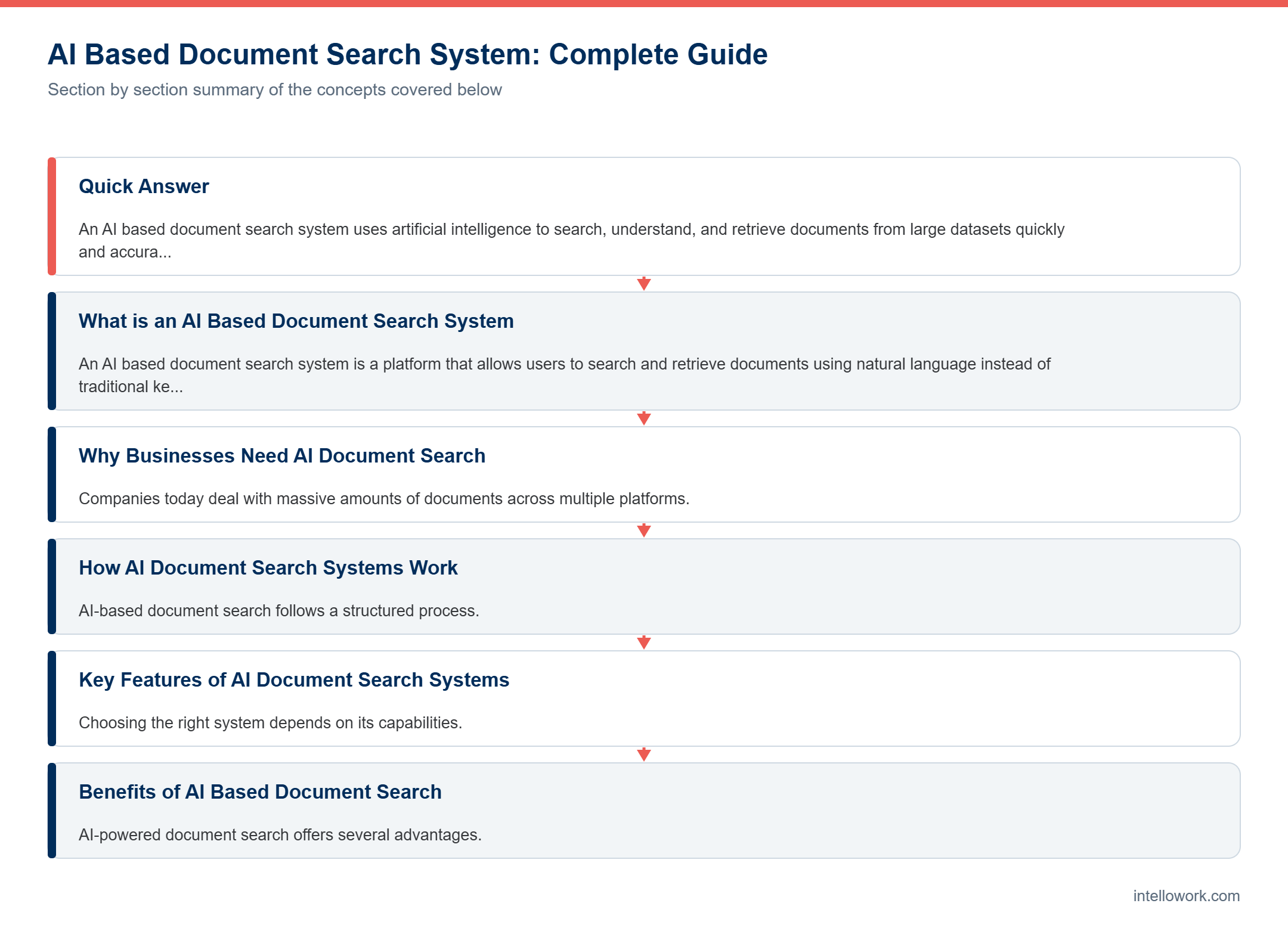
What is an AI Based Document Search System
An AI based document search system is a platform that allows users to search and retrieve documents using natural language instead of traditional keyword-based methods.
It uses technologies like natural language processing, machine learning, and semantic search to understand user queries and deliver relevant results.
These systems can handle both structured and unstructured data, making them ideal for enterprise use.
Why Businesses Need AI Document Search
Companies today deal with massive amounts of documents across multiple platforms.
Common Problems
Employees spend hours searching for files
Documents are scattered across systems
Traditional search gives irrelevant results
Duplicate work increases due to lack of access
How AI Solves These Problems
Provides instant document retrieval
Understands context, not just keywords
Centralizes access to all documents
Improves overall efficiency
How AI Document Search Systems Work
AI-based document search follows a structured process.
Step-by-Step Process
Documents are collected from various sources
Data is cleaned and processed
Text is converted into embeddings
Embeddings are stored in a vector database
User queries are processed using AI
Relevant documents are retrieved and ranked
This approach ensures accurate and fast results.
Key Features of AI Document Search Systems
Choosing the right system depends on its capabilities.
Semantic Search
Understands user intent and context
Natural Language Queries
Allows users to search using plain language
Multi-Source Integration
Connects with cloud storage, databases, and tools
Access Control
Ensures secure access to documents
Real-Time Results
Provides instant search responses
Analytics
Tracks search patterns and performance
Benefits of AI Based Document Search
AI-powered document search offers several advantages.
Increased Productivity
Employees find documents faster
Better Decision Making
Access to accurate and relevant data
Reduced Operational Cost
Less time wasted searching
Improved Collaboration
Teams can access shared information easily
Enhanced User Experience
Simple and intuitive search interface
Real World Use Cases
AI document search systems are used across industries.
Legal Industry
Quickly find case files and documents
Healthcare
Access patient records efficiently
Finance
Retrieve financial reports and data
Enterprises
Manage internal documents and knowledge
Challenges in Implementation
Despite its benefits, there are some challenges.
Data Quality
Poor data affects search accuracy
Integration Complexity
Connecting multiple systems can be difficult
Security Risks
Sensitive documents must be protected
Cost
Initial setup can be expensive
Best Tools for AI Document Search
Several platforms provide AI-powered document search solutions.
- OpenAI based systems
- Microsoft enterprise solutions
- Google AI search tools
- Apache Solr
Custom solutions can also be built using Python and AI frameworks.
How to Build an AI Document Search System
Building a system requires a structured approach.
Steps to Follow
Collect documents from all sources
Clean and preprocess data
Convert text into embeddings
Store embeddings in a vector database
Integrate with an AI model
Build a search interface
Deploy and monitor
Best Practices for Success
To get the best results, follow these practices.
Keep data clean and updated
Use strong security measures
Optimize search queries
Monitor system performance
Start small and scale gradually
Future of AI Document Search
AI document search is evolving rapidly.
Search systems will become more conversational
Integration with AI chatbots will increase
Real-time search will improve
Automation will reduce manual work
These advancements will make document search faster and smarter.
Conclusion
An AI based document search system is a powerful solution for managing large volumes of data.
By enabling fast and accurate search, it improves productivity, reduces costs, and enhances decision-making.
Businesses that adopt AI-powered search systems will gain a significant competitive advantage.
FAQ
What is an AI based document search system
It is a system that uses AI to search and retrieve documents
How does it work
It uses embeddings and AI models to find relevant data
Is it secure
Yes, with proper access control
Can it integrate with existing systems
Yes, most solutions support integration
Is it expensive
Cost depends on scale and features
How document search actually finds the right passage
It helps to understand the mechanics, because vendors describe this stage very differently while doing broadly similar work.
Ingestion comes first. Files are parsed, split into passages and converted into vectors that capture meaning rather than exact wording. Chunking matters more than people expect here, since a fixed size split will cut a table or a procedure in half and no retrieval step can recover the missing part afterwards.
Retrieval then combines two signals. Keyword matching catches exact terms such as product codes and form numbers, while vector similarity catches paraphrases. Because each method fails differently, hybrid retrieval consistently beats either one alone. I explored that trade-off in hybrid search and accuracy.
Finally a reranking model reorders the candidates. Initial retrieval is fast but blunt, so the passage that truly answers the question often arrives fourth or seventh. Consequently answer quality frequently improves more from better reranking than from a larger language model.
What determines whether it works
- Document hygiene. Superseded versions left in the index compete with current ones and often win, because their wording matches the query more closely.
- Structure. Clear headings give the system natural boundaries, so passages stay coherent instead of ending mid-thought.
- Internal vocabulary. Product nicknames and form numbers need synonym handling, since general embeddings have never seen them.
- Scanned material. Image-only PDFs contribute nothing until optical character recognition converts them into text.
- Permissions. Access rules must apply before retrieval, otherwise restricted content still influences the answer.
Notably, four of those five are content problems rather than technology problems. That is why document cleanup usually costs more than the software in the first year.
Frequently asked questions
How is this different from a normal file search?
File search matches words in names and text. A document search system matches meaning, so a question about working from home finds a remote work policy even when the wording differs.
Does it work on scanned PDFs?
Only after optical character recognition converts the images into text. Budget time for that step, since scanned archives are common in older organisations.
How current are the answers?
As current as your index. Set an ingestion schedule, and retire outdated documents deliberately rather than leaving them to compete with newer ones.
Can it respect who is allowed to see what?
Yes, when source-level access control lists are enforced at retrieval time. Filtering after generation is weaker, because restricted text has already shaped the answer.
What accuracy should we expect?
That depends far more on content quality than on the model. Measure it with your own question set rather than accepting a vendor benchmark.
Related reading
- AI Powered Document Search System: Complete Guide for Developers
- AI Powered Internal Search System: Complete Guide
- AI Powered Internal Search System for Enterprises: Complete Guide
The practical version of everything above is Intellowork: one knowledge base, cited answers, action agents that call your own APIs, and a named region for data residency.